BRB, my agent's got this.
A menu bar app for stepping away while your AI coding agent works. BRBuddy keeps your Mac awake, covers the screen with a little companion that shows what your agent is up to, and asks for Touch ID when anyone comes back.

The away screen, as it looks on your Mac. Tap the companion to boop it.
How it works
Walk away. Your agent keeps going.
Long agent runs and a Mac that dozes off don't mix. Neither does leaving your screen open for anyone walking past.
Set it and walk away
Connect your agents once in Settings. While one is working, BRBuddy keeps the Mac awake by itself and lets it rest again when the agent's done.
BRB covers the screen
Three minutes after you stop typing, or straight away with ⌃⌥⌘B, a companion covers every display and shows what your agent is doing.
Come back and unlock
Press any key and use Touch ID or your password. Too many wrong tries, or an hour away, and it hands over to the real macOS lock screen.
Features
Small app. Thinks of the details.
Keeps your Mac awake
Only while an agent works or needs you, then lets the Mac sleep. Or flip it on yourself from the paw in the menu bar.
Covers every display
App switching, Force Quit and quit shortcuts are blocked while BRB is up, so the keyboard does nothing until you unlock.
Touch ID or password
Checked by macOS itself. BRBuddy never sees, stores or logs your password.
Knows your agent
Working, needs you, or finished: the menu and the away screen keep you posted. Click an agent in the menu to jump to its terminal tab.
Walk-away lock
Pick your iPhone or Apple Watch. When it leaves the desk, the room or the building, BRBuddy starts BRB or locks the Mac.
Terminal on the away screen
Optional and view-only: watch a tmux pane, a Terminal, iTerm2 or Ghostty window, or a feed of your agent's steps from across the room.
Battery aware
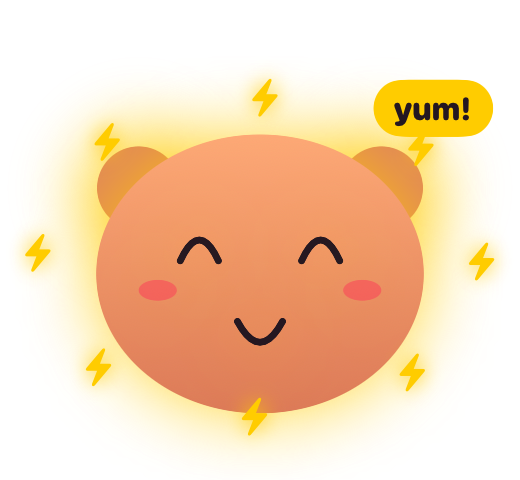
On a MacBook the away screen shows charge and time left. Your companion cheers when you plug in, sweats when the battery's low, moves in slow motion in Low Power Mode, and holds still on battery to save power.
Updates itself
Signed and notarized releases, checked once a day. New versions are verified before they install.
Works with
One click to connect your command-line agents
 Claude Code
 Codex
 Cursor
 Gemini CLI
 Antigravity
 Grok
Setup adds one small entry to the agent's own settings file and keeps a backup next to it. It only reports what the agent is doing, can't change anything it does, and never sends your prompts.
BRBuddy is an independent project, not affiliated with or endorsed by Anthropic, OpenAI, Anysphere, Google or xAI.
Companions
Someone to watch the desk.
Six original critters, one for each agent's vibe. Pick a favourite, let it match your agent, or shuffle for a new one every time. Hover to see them react.
Boop them
Go on. Click it.
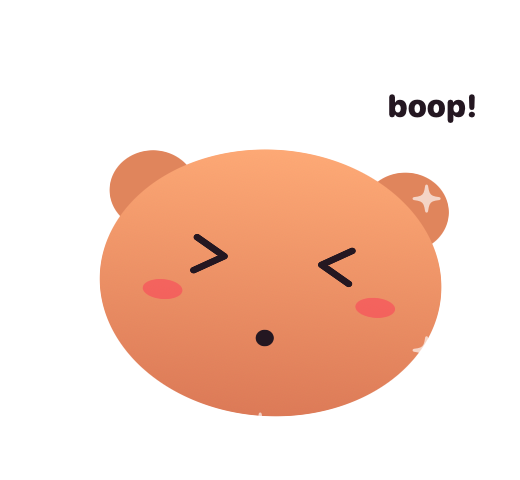
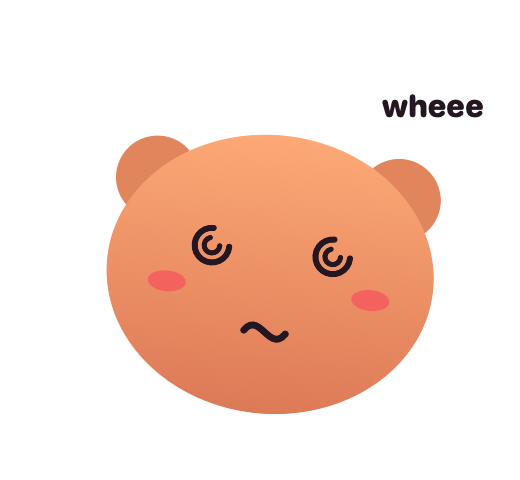
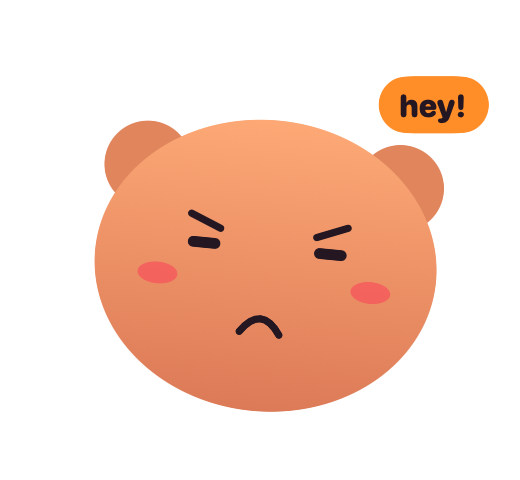
Every companion reacts with a squish, a giggle, a spin, heart eyes, or a grumpy face if you click too fast. Each one also has a move and a sound of its own. Sounds can be switched off.



Companion Studio
Build your own critter: shape, colours, ears, extras, face, blush, mouth, plus its own boop sound and catchphrase. Save it and it's yours.
Bring any Codex pet
Already have a Codex pet? Add its folder with pet.json and a spritesheet and it moves in.
Make one with any AI
Paste our prompt into the AI you like and it builds a pack you can add in Settings.
Privacy
Nothing leaves your Mac.
What BRBuddy does with your data
- Collects nothing. No account, no analytics, no server. The only thing it fetches is the update feed.
- Your password is checked by macOS. BRBuddy never stores or logs it.
- Permissions are asked for only when you turn on the feature that needs them: Accessibility for the terminal view, Bluetooth for the walk-away lock.
- The terminal view is off by default, because anyone at your Mac can read it.
- Open source under the MIT licence. Read every line.
What it isn't
- A privacy screen, not a lock. It keeps passers-by off your keyboard and screen.
- Anything running as you, including your agent, can close it, and a restart ends it. Holding the power button still restarts the Mac.
- When you need real security, lock the Mac, or leave “Locking for real” on so BRBuddy hands over to the macOS lock screen.
- Closing the lid on battery still sleeps the Mac. That's macOS.
Install
Get BRBuddy
Free forever. Needs macOS 14 Sonoma or later, on Apple silicon or Intel.
Download
Open the disk image and drag BRBuddy to Applications. Signed and notarized by Apple, and it keeps itself up to date.
Download the latest releaseHomebrew
Prefer the command line? It's in our own tap.
brew install dhaataalimited-hub/tap/brbuddyBuild it yourself
Xcode 16 or later (Swift 6). Builds from source don't update themselves.
git clone https://github.com/dhaataalimited-hub/brbuddycd brbuddy && Tools/build-app.shFAQ
Questions
Is it really free?
Yes. No subscription, no in-app purchase, no account. It's open source under the MIT licence.
Do I need an AI agent to use it?
No. Turn on Keep Mac awake from the paw in the menu bar and use BRB whenever you step away. Agents just make it smarter about when to stay awake.
Which agents does it work with?
Claude Code, Codex, Cursor, Gemini CLI, Antigravity and Grok, each set up with one button in Settings. Desktop chat apps can't report their status; their command-line agents can.
Is it secure?
It's a privacy screen: it stops someone at your desk from using your keyboard or reading your screen, and unlocking needs Touch ID or your password. It isn't a replacement for the macOS lock screen, so it hands over to that after too many wrong tries or an hour away (you can change both).
My Mac still went to sleep. Why?
Check the paw in the menu bar is filled in, and that your agent is set up in Settings → Agents. Closing the lid on battery always sleeps the Mac; that's macOS.
Will it slow my Mac down or drain the battery?
It's a small native app. On battery the companion's body holds still and only its face moves, and it slows right down in Low Power Mode.
How do I uninstall it?
First press Remove next to each agent in Settings → Agents (a backup of each agent's original settings stays next to it). Then quit BRBuddy and drag it to the Bin. With Homebrew: brew uninstall --zap brbuddy.
Where do I report a bug or ask for a feature?
GitHub Issues. Anything else: hello@dhaataa.com. Security problems: please report them privately (see SECURITY.md).
Go get a coffee.
Your agent's got this. BRBuddy's got your Mac.